Translator
Overview
Translates text from one language to another using Google Translate. Text can be provided directly or read from a file, and the result can be displayed in a dialog or saved to a text file.
Translator
Translator converts text between languages using Google Translate through headless browser automation, no API key required. Powered by Robomotion's browser nodes, it navigates Google Translate behind the scenes, submits your text, and extracts the translated result automatically.
Whether you need to translate a quick phrase, process an entire file, or integrate translation into a larger automation pipeline, this template handles the full round trip from input to output.
What Translator can do
- Translate text between any languages supported by Google Translate
- Accept input directly as text or read it from a file
- Auto detect the source language or specify it explicitly
- Save the translation to a file or display it in a dialog
Behind the scenes
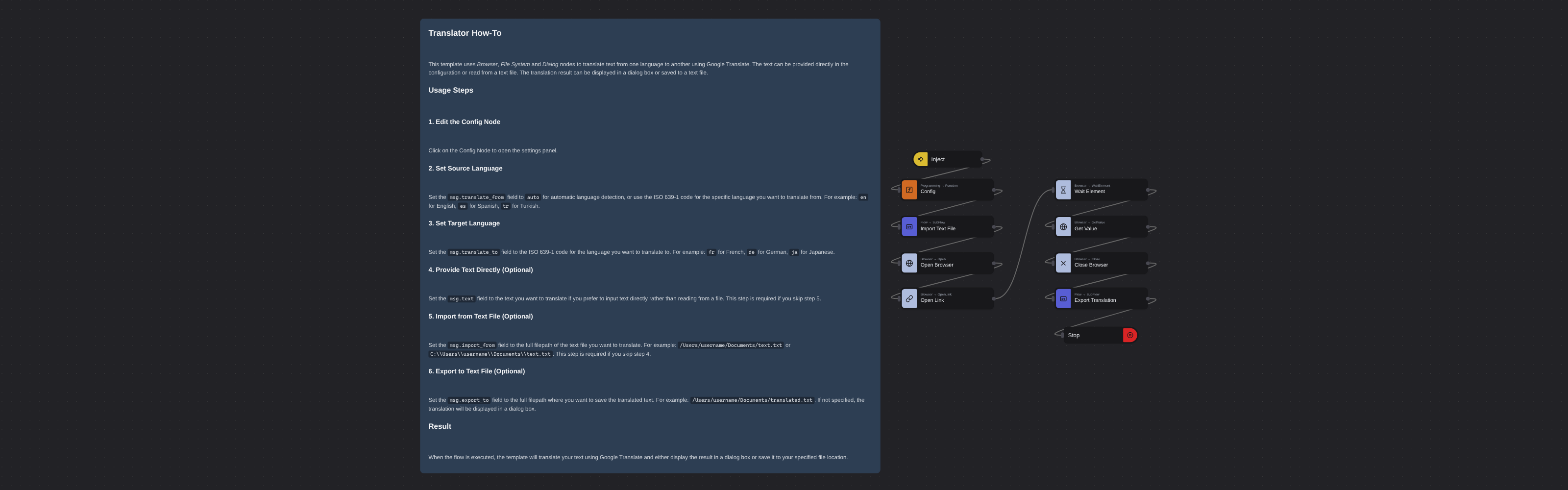
The flow takes text from the config or reads it from a file on disk. It launches a headless Chrome browser, navigates to Google Translate with the configured source and target language codes, and waits for the translation to appear. The translated text is then extracted from the page. Depending on your configuration, the result is either displayed in a dialog or saved to an output file. The browser closes automatically when the translation is complete.
Configuration
Open the Config node and set:
| Variable | Description | Example |
|---|---|---|
msg.translate_from | Source language (ISO 639-1 code or auto) | "en" |
msg.translate_to | Target language (ISO 639-1 code) | "tr" |
msg.text | Text to translate (use this or import_from) | "Hello world" |
msg.import_from | Read text from this file instead | "/home/user/input.txt" |
msg.export_to | Save translation to file (empty = show dialog) | "/home/user/output.txt" |
More productivity templates
See all 4 →- Internship Application IntakeCollect work from people who are not in your workspace. A published Robomotion form is a public web page with its own link: whoever answers it needs no account and installs nothing, and every submission becomes one item on a workspace queue. Submissions are encrypted in the visitor's own browser with the public half of an RSA key pair from your vault, so the platform stores the history of every application and can never read one. Three nodes take the next application off the queue, decrypt it with the private half, and show every field the applicant filled in.
- Web Element To PDFConverts any web element to a PDF file by injecting the html2pdf.js library into the page and rendering the selected element based on its XPath selector.
- Convert Excel Document to CSV FileConverts an Excel spreadsheet to a CSV file on your file system. Supports configurable separator characters and optional sheet selection via subflows for reading Excel data and writing CSV output.