Automate your business.

Build workflows, agents, and apps with Robomotion. Run locally or in the cloud.

|
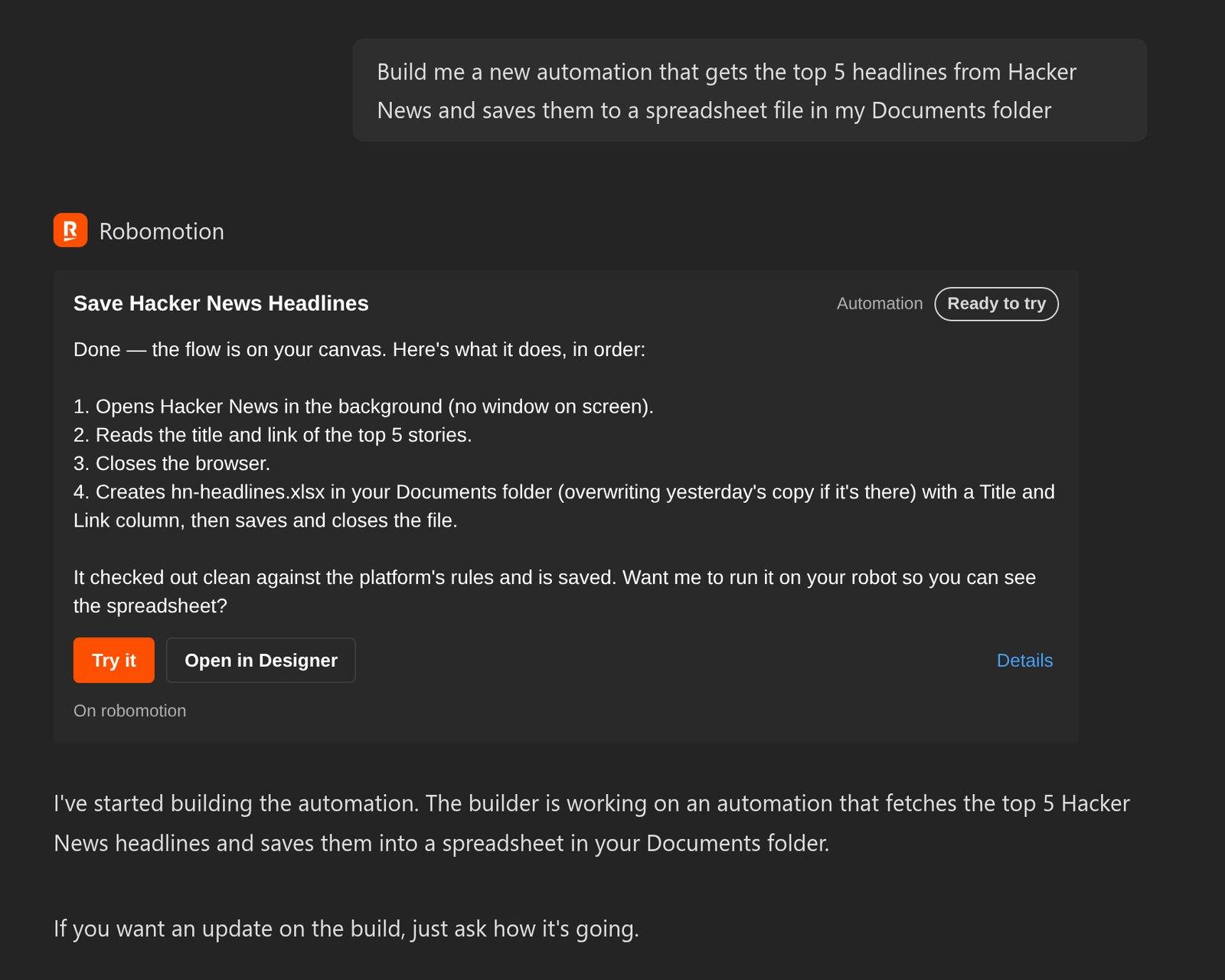
AI-powered automation builder
Press Enter to buildor try:

Not ready to build? Start with what we built.

Trusted by 20,000+ users worldwide

Build workflows that run your business.

A workflow does a job from start to finish: it moves invoices from your inbox into your accounting system, keeps your CRM up to date, or sends the Monday sales report on its own.

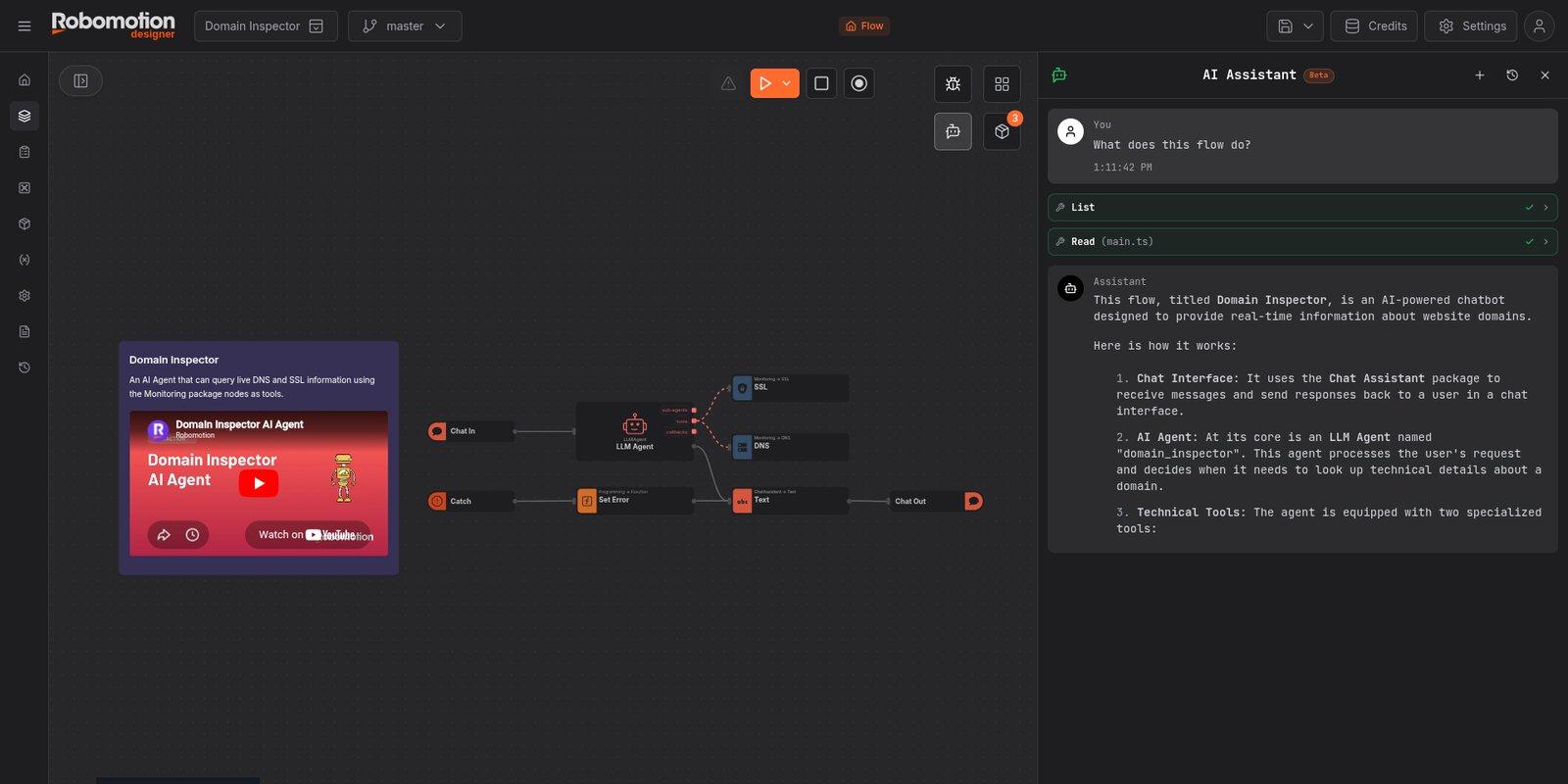
Build with Robomotion AI Assistant

Describe what you want in plain language and it builds the workflow and connects your tools. Ask for changes the same way, then put it on a schedule. Every step stays on a canvas you can open at any point.

Or bring your own coding agent

Prefer to work from your editor? Develop and extend your Robomotion workflows with your favorite coding agent, right alongside the visual canvas.

Claude Code
Codex
Gemini
Cursor
Copilot

Automate real work across your business systems.

Your workflows run on a robot that signs in, clicks, reads and types across your ERP, bank, CRM, tax portal and help desk, even where there's no API. Ask for any of these and it does the work the way a careful person would, only faster.

Advanced

Bank Reconciliation

Reconcile the payments finance could not tie out: read the ERP's exceptions, then check each one against the real bank statement and label every discrepancy - missing payment, transposed amount, double payment or unapplied cash.

FinanceBankingTwo-factor
View details Try
Advanced

Bulk Shipment Tracking Sweep

Check ~200 shipment tracking numbers at once with 8 parallel workers pulling from a shared queue. Write a full status file plus an exceptions-only file for the customs holds, delays and failed deliveries.

ConcurrencyLogisticsQueue
View details Try
Advanced

Clinic Eligibility Morning Run

Run insurance-eligibility checks for a clinic's whole appointment worklist on 9 parallel browsers. Read back each coverage answer and flag the lapsed and not-covered patients the front desk has to chase.

ConcurrencyHealthcareQueue
View details Try
Intermediate

CRM Duplicate Cleanup

Merge duplicate CRM contacts - the same person entered twice under name variants like Bob and Robert. Keep the primary, fold the variant in, repeat until none are left, then write a before-and-after report.

CRMData hygieneLoop
View details Try
Advanced

Denial Worklist Triage

Work a clinic's denied insurance claims, choosing a different action per denial code: fix-and-resubmit, write off, void a duplicate, or escalate to a human. Wait for the resubmissions to clear, then report every claim's real outcome.

Flow controlHealthcareBranching
View details Try
Advanced

E-Invoice Portal Harvest

Download every e-invoice for a tax period from a government portal - signing in with a one-time code, paging the whole register, clearing the confirm dialog and "I am not a robot" box for each, and saving the XML and PDF. Then build an index spreadsheet.

DownloadsPaginationTwo-factor
View details Try

Build agents for your workflows.

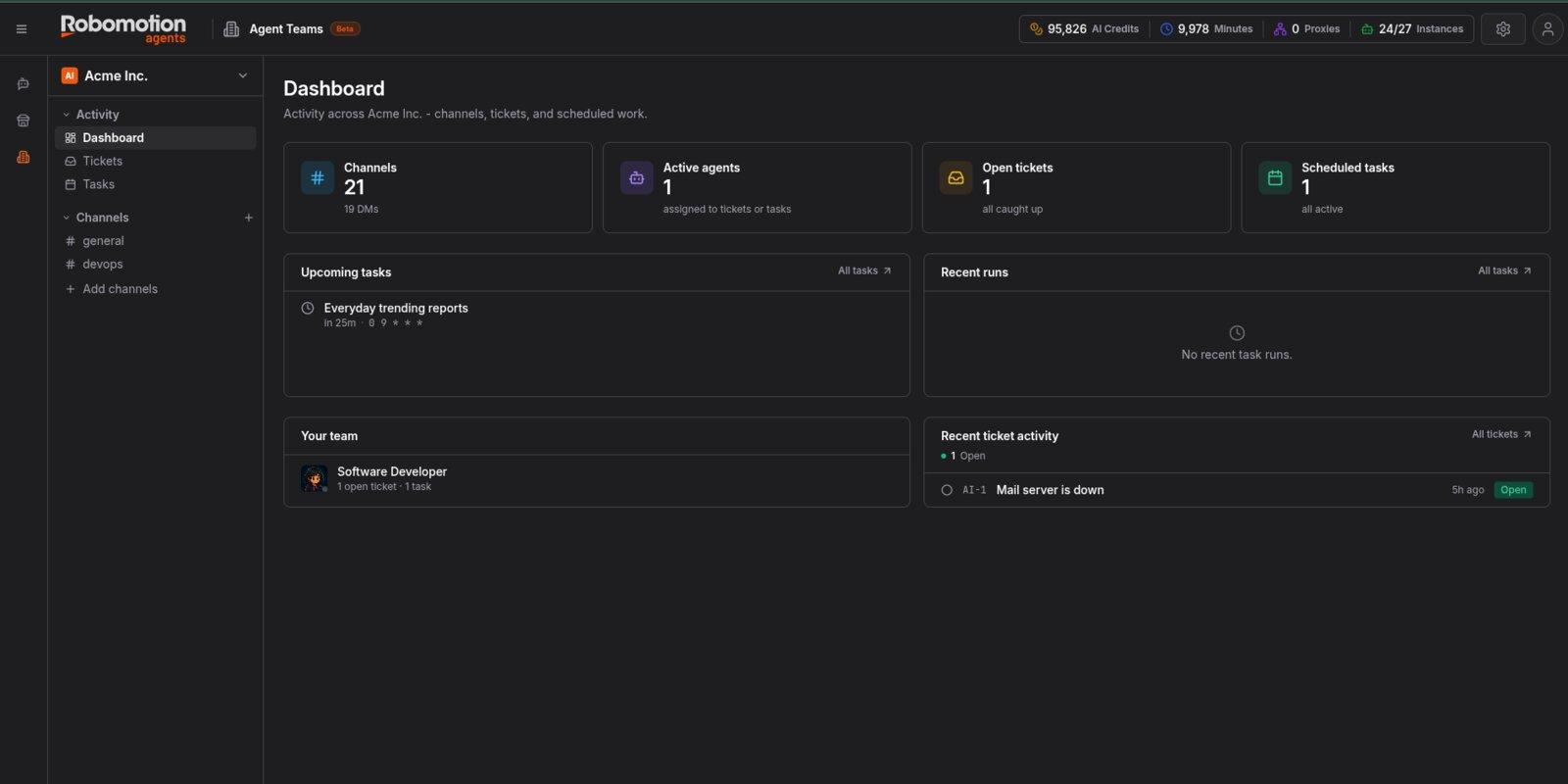
An agent is an AI teammate that runs your workflows when you ask. Start with our Agents built for you. Hire and use, or edit and update.

Illustrative product demo

Build apps for humans and agents.

An app is a user interface to your workflows, with MCP tools for your agents. Start with our Apps built for you. Install and use, or edit and update.

Ad Cracker: Every live ad your competitors run, in one wall

Ad Cracker

Turn competitor research into your next ad.

Collect competitor ads from Meta Ad Library, compare their hooks and offers, and create fresh concepts in your brand’s voice and style.

Explore Ad Cracker

Stageline

See where every deal stands.

Bring your spreadsheet into a visual sales pipeline. Track deals, notes, and next steps together, with a history of every stage a deal has passed through.

Explore Stageline

Inkwell

Write your book in your own voice.

Shape a whole book from one idea, draft chapters that remember everything before them, then edit it and export to Word, EPUB or print PDF.

Explore Inkwell

Run locally or in the cloud.

Run your workflows, agents, and apps on your own machines or in the cloud, connected to the tools your business already uses.

On your own machines

Run on Windows, Mac or Linux computers you control. Your files, logins and data are processed right there, on your computer.

In the cloud

Run workflows that do not need your computer in the cloud, so they keep going when your machine is off.

Both, one workflow at a time

Keep sensitive work on your own machines and send the rest to the cloud. Choose for each workflow.

Loading integrations...

20,000+
Users worldwide
3M+
Jobs run
220+
Integrations
45K+
Automations built

From fast-growing startups to regulated enterprises

Fast CompanyStartup 100 #29 · 2025
ISO 27001
Compliant

What people are doing with Robomotion.

From startups to solopreneurs, in their own words.

Capterra
SEMsacionalE-Commerce Manager
S

I'm doing in one hour more than the team of 14 people who update the website daily.

Reinaldo L.IT Professional
R

The best support I ever seen in almost 30 years of IT. Solid and blazing fast.

Philip F.Business Owner
P

I am automating basic bookkeeping, marketing and data scraping workflows. It is a huge timesaver and I ABSOLUTELY LOVE IT!

Adam G.Power User
A

Only your imagination limits its usage potential.

Darrell S.Non-Developer
D

I am not a developer, so a low code solution was what I needed. Go to their Discord and you will see for yourself!

SEMsacionalE-Commerce Manager
S

I'm doing in one hour more than the team of 14 people who update the website daily.

Reinaldo L.IT Professional
R

The best support I ever seen in almost 30 years of IT. Solid and blazing fast.

Philip F.Business Owner
P

I am automating basic bookkeeping, marketing and data scraping workflows. It is a huge timesaver and I ABSOLUTELY LOVE IT!

Adam G.Power User
A

Only your imagination limits its usage potential.

Darrell S.Non-Developer
D

I am not a developer, so a low code solution was what I needed. Go to their Discord and you will see for yourself!

David B.Entrepreneur
D

With 10% of the previous cost I can duplicate myself 10 times now!!! The Support from the team is amazing.

Andy H.Automation Creator
A

I started from zero to now having a few flows that I'm proud to be able to built on my own.

Julia D.Business User
J

This Software Has Changed My Life. The Robomotion team is consistently there to support their users.

Karston F.B2B Marketing
K

I do a lot of B2B marketing and I was able to use this tool to cut costs significantly in my business.

Kris R.Developer
K

Amazing support by the founders and the team on discord channel that helps you resolve issues in real time.

David B.Entrepreneur
D

With 10% of the previous cost I can duplicate myself 10 times now!!! The Support from the team is amazing.

Andy H.Automation Creator
A

I started from zero to now having a few flows that I'm proud to be able to built on my own.

Julia D.Business User
J

This Software Has Changed My Life. The Robomotion team is consistently there to support their users.

Karston F.B2B Marketing
K

I do a lot of B2B marketing and I was able to use this tool to cut costs significantly in my business.

Kris R.Developer
K

Amazing support by the founders and the team on discord channel that helps you resolve issues in real time.

Questions, answered.

What people ask before they start.

Do I need to know how to code?

No. Use a ready-made app or agent as it is, or describe the workflow you want and AI builds it, including any code a step needs. Ask for changes the same way, in the AI Assistant or in Claude Code or Codex. The Flow Designer is there if you want to look inside.

How is Robomotion different from Zapier, Make or n8n?

Those tools connect apps through their APIs. Robomotion does that too, with 220+ integrations, and also works where there is no API: it signs in, clicks, types and reads on websites and desktop applications the way a person would.

What is the difference between a workflow, an agent, and an app?

Take one job: watching competitor ads. The workflows do the work, collecting every live ad and scoring it on a schedule. The app, Ad Cracker, is where you see it: the ads, the scores and the new versions it wrote. The agent, Ad Strategist, is who you ask: it reads what Ad Cracker found and writes 30 ad variants for you. Build a workflow for work that runs the same way every time. Put an agent in front of it when you would rather ask than click. Add an app when people need a screen to see and act on the results.

Where does it run, and where does my data go?

On your own Windows, Mac or Linux machines, or in the cloud when you choose. When a workflow runs on your computer, it opens your files, signs in to your systems and processes the data right there, so your data stays on your computer unless the workflow sends it somewhere, such as to an AI model. A workflow that clicks through desktop applications needs the screen while it runs, so many people give it a spare computer or a virtual machine.

Can I use my own AI model or API key?

Yes. Bring your own key is the default. Add your key from OpenAI, Anthropic, Google, OpenRouter or another provider once, and your workflows, agents and apps use it from your workspace vault. You pay the model provider directly, at their prices, with no markup from us, and you choose the model for each job.

How are my passwords handled?

Credentials are encrypted by default and kept in your workspace vault, not in the workflow itself. Only you hold the keys that unlock them, and your workflows use them only when they run.

What does my plan include?

Your plan sets how many robots can run your workflows, how often schedules can start them, and how many cloud hours you have. Every installed app and hired agent runs on its own Application Robot. AI model usage and third-party services may cost extra.

Where do I get help?

Start with the tutorials and templates in the Academy, then ask in the Discord community, where the Robomotion team answers too. For a larger rollout, talk to our team.

What will you create first?

A workflow, an agent, or an app. Start with the idea you have been waiting to build.

Community

Join our Discord Community

Connect with 5,000+ members. Get help, share experiences, and collaborate on automations.

5,000+ members
Active support
Share ExperiencesGet HelpLearn from Community
Join Discord Server
Discord Community