Write To Clipboard
Overview
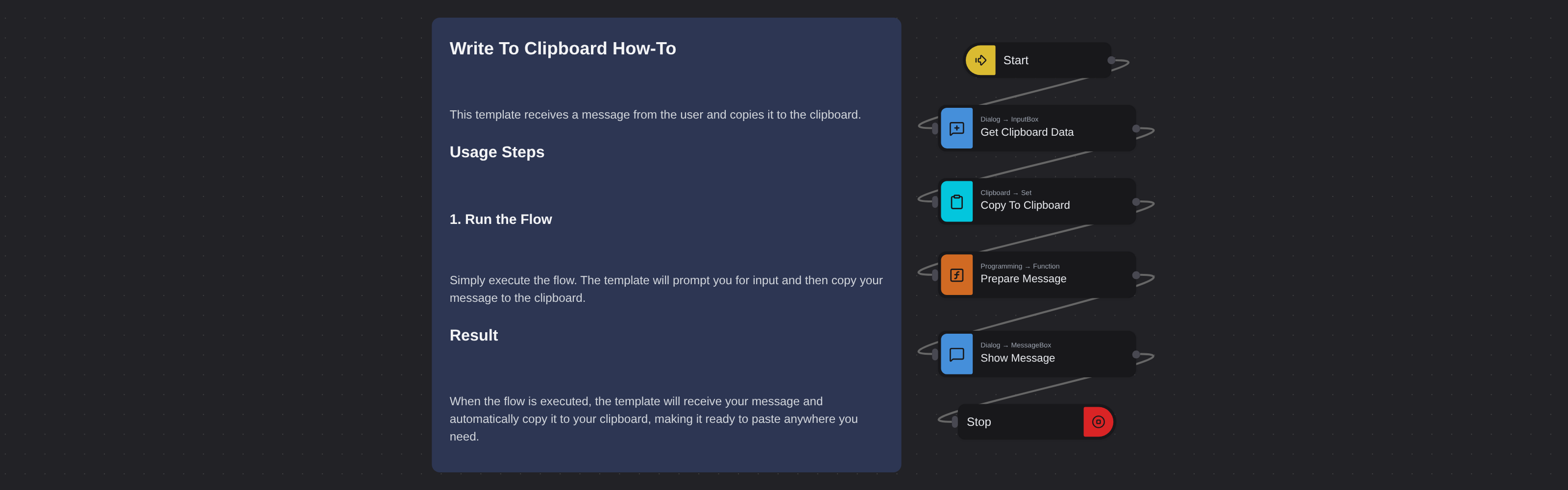
Receives text input from the user via a dialog box and copies it to the system clipboard, then confirms the operation with a message.
Write to Clipboard
Write to Clipboard prompts you to enter text and copies it directly to your system clipboard. Powered by Robomotion's dialog and clipboard nodes, it provides a quick way to push text into the clipboard from within an automation flow.
This template is a useful building block for workflows that need to prepare clipboard content for pasting into other applications, or for any scenario where you want to programmatically set what is on the clipboard.
What Write to Clipboard can do
- Open an input dialog for you to enter or paste text
- Copy the entered text directly to the system clipboard
- Confirm the operation with a success message
- Serve as a building block for clipboard driven automation workflows
Behind the scenes
The flow opens an input dialog where you type or paste the text you want on your clipboard. Once you confirm, it copies the text to the system clipboard and displays a confirmation message. You can then paste the content anywhere with Ctrl+V. No configuration is needed, just run the flow.