What Is Web Automation?
Anil Yarimca
TL;DR
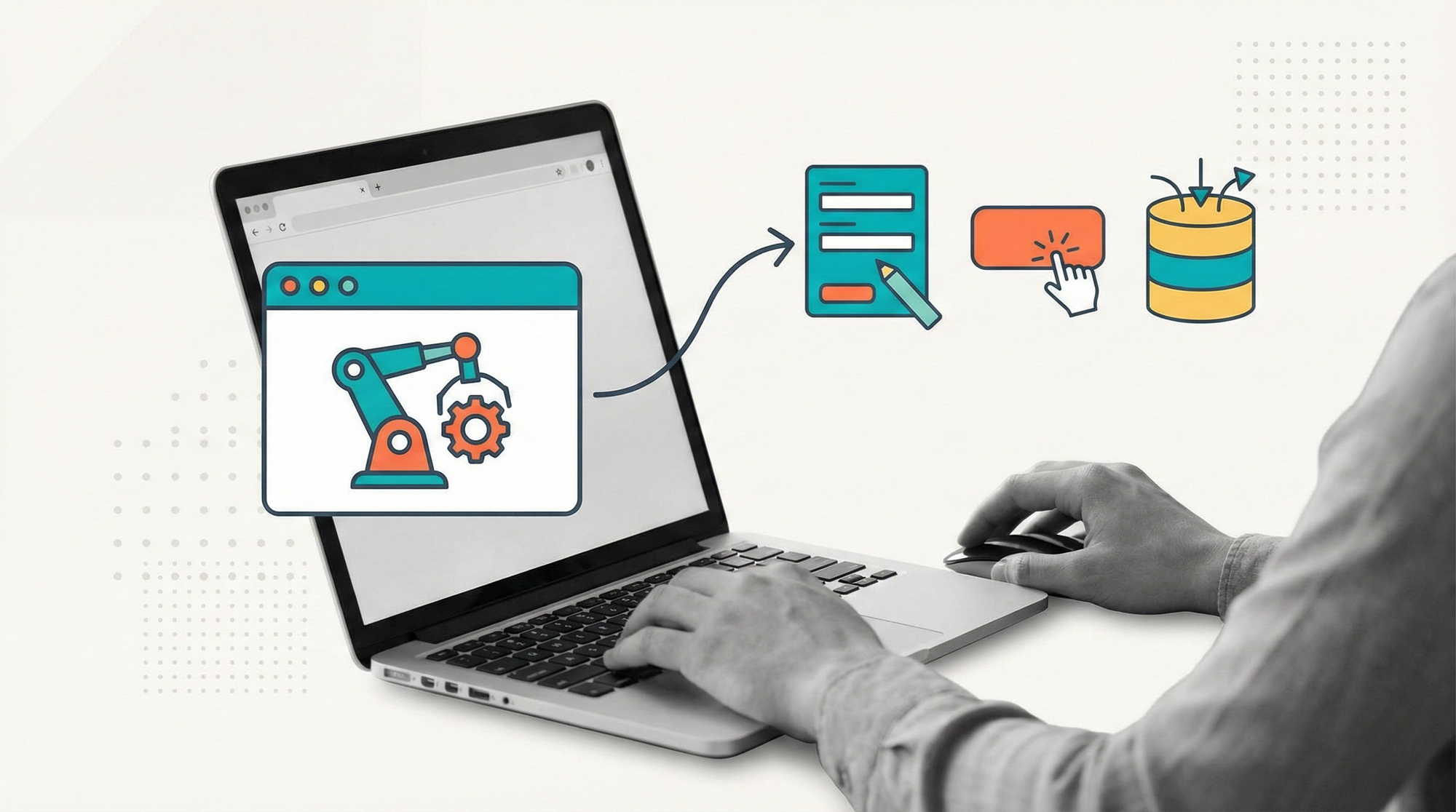
Web automation is the automation of tasks performed through web browsers and web-based applications. It focuses on interacting with websites the same way a human would, by navigating pages, filling forms, clicking elements, and extracting data. Web automation becomes production-ready only when combined with workflows, error handling, and monitoring.
A large portion of modern business work happens in the browser.
Internal tools, SaaS platforms, admin panels, partner portals, government systems, and dashboards are all web-based. Even when APIs exist, they are not always accessible, stable, or complete.
This is why web automation exists.
Web automation allows systems to work with websites the same way humans do. It is powerful, flexible, and often the fastest way to automate processes across fragmented tools. It is also fragile when poorly designed.
Understanding what web automation is, and what it is not, is essential before using it in production environments.
What web automation actually means
Web automation refers to automating interactions with web applications through a browser or browser-like environment.
Typical actions include:
- Opening URLs
- Logging into web applications
- Clicking buttons and links
- Filling and submitting forms
- Navigating multi-step flows
- Reading text or extracting data
Web automation operates at the presentation layer. It does not require direct access to backend systems or APIs.
This makes it widely applicable, but also sensitive to UI changes.
Web automation vs API automation
Web automation and API automation solve similar problems in different ways.
API automation interacts directly with backend services using structured requests. It is fast, reliable, and less sensitive to UI changes.
Web automation interacts with the user interface. It is slower, more fragile, but works even when APIs are unavailable.
Teams often use web automation when:
- No API exists
- API access is restricted
- The web UI contains logic not exposed via APIs
- Speed of implementation matters more than elegance
In mature systems, web automation and API automation are often combined rather than treated as alternatives.
Web automation vs RPA
Web automation is a subset of what RPA can do.
RPA includes web automation, desktop automation, file handling, and system integration. Web automation focuses specifically on browser-based interactions.
Most RPA bots spend a large portion of their time automating web applications. This is why web automation patterns and best practices are central to RPA design.
The risks and failure modes of web automation often define the reliability of RPA systems as a whole.
Common use cases for web automation
Web automation is commonly used in scenarios such as:
- Data entry across SaaS platforms
- Order and transaction processing in web portals
- Report generation from dashboards
- Account setup and configuration
- Data scraping from internal or partner sites
- Form-based workflows without APIs
These use cases share a common trait. Humans can do them in a browser, but doing them repeatedly is slow and error-prone.
Why web automation breaks in production
Web automation often works well in demos and breaks later.
The most common reasons include:
- UI changes that break selectors
- Timing issues and slow page loads
- Session timeouts and authentication problems
- Hard-coded assumptions about page structure
- Lack of retry and recovery logic
These issues are not unique to web automation. They are the cost of operating at the UI layer.
Production-grade web automation assumes instability and designs around it.
Best practices for production web automation
Reliable web automation requires discipline.
Selectors should be resilient and avoid brittle attributes.
Wait conditions should be explicit and tied to page state, not fixed delays.
Error handling must distinguish between transient issues and real failures.
Sessions and credentials should be managed centrally, not embedded in scripts.
Most importantly, web automation should run inside workflows that manage retries, escalation, and recovery.
These practices are widely discussed in browser automation communities and tooling documentation, including guidance around Selenium and Playwright-based systems.
Web automation and workflows
Web automation should rarely run as a standalone script.
When embedded in workflows, web automation gains:
- Controlled execution
- Clear start and end conditions
- Item-level retries
- Human-in-the-loop escalation
- Monitoring and observability
The workflow decides what happens when a page does not load or a selector fails. The bot simply reports the outcome.
This separation is essential for operating web automation at scale.
Web automation and AI
AI is increasingly used alongside web automation.
AI can help with:
- Interpreting unstructured page content
- Adapting to layout variations
- Validating extracted data
- Making decisions based on web-sourced information
However, AI does not eliminate fragility. It shifts it.
AI-powered web automation still requires guardrails, validation, and workflows. Without them, failures become harder to explain.
Security and compliance considerations
Web automation often involves credentials and sensitive data.
Best practices include:
- Using secure credential vaults
- Limiting bot permissions
- Auditing access and actions
- Avoiding hard-coded secrets
- Monitoring unusual behavior
Because web automation acts like a human user, it inherits the same security responsibilities.
How automation-first platforms support web automation
Operating web automation at scale requires infrastructure.
Automation-first platforms provide:
- Centralized browser execution
- Credential management
- Workflow orchestration
- Error handling and retries
- Monitoring and alerts
In platforms like Robomotion, web automation is one execution capability among many. It runs inside workflows alongside APIs, RPA actions, AI agents, and human steps.
This reduces brittleness and makes web automation operable rather than experimental.
External perspective on web automation
Web automation is not a new idea.
It evolved from testing tools, scraping scripts, and browser macros. What has changed is its role. It is no longer just for testing or scraping. It is now a core integration method for modern operations.
System design literature consistently shows that UI-based integration is fragile but sometimes unavoidable. Success depends on how well systems are monitored and controlled.
FAQs
What is web automation in simple terms?
It is using software to perform tasks on websites automatically, like a human using a browser.
Is web automation the same as web scraping?
No. Scraping focuses on extracting data. Web automation includes full interaction such as logging in, submitting forms, and completing workflows.
When should teams avoid web automation?
When stable and well-supported APIs are available and accessible.
Why does web automation fail so often?
Because web UIs change, load unpredictably, and are sensitive to timing and state.
Can web automation be reliable in production?
Yes, when designed with workflows, retries, monitoring, and clear ownership.
Does web automation replace RPA?
No. It is a core technique used within RPA and workflow automation.
Conclusion
Web automation exists because the web is where work happens.
It is powerful because it requires no special access. It is fragile because it operates at the UI layer.
Teams that treat web automation as a quick script often struggle. Teams that treat it as an operational capability, with workflows, monitoring, and exception handling, build systems that scale.
Web automation is not a shortcut. It is a trade-off. When used intentionally, it becomes one of the most practical tools in modern automation.