What Is Tool Calling in AI Agents?
Anil Yarimca
TL;DR
Tool calling is how AI agents take action in the real world by invoking external functions, APIs, or automations instead of only generating text. It allows agents to move from reasoning to execution in a controlled way. Tool calling becomes production-ready only when it is constrained by workflows, permissions, and clear error handling.
They can explain what should be done, but they cannot actually do it. They cannot fetch real data, update systems, send requests, or trigger processes.
Tool calling is what bridges this gap.
It allows an AI agent to stop talking and start acting, but only through interfaces that developers explicitly expose. This makes tool calling one of the most critical components in agent-based systems, and also one of the most misunderstood.
Without structure, tool calling turns agents into unreliable script generators. With structure, it turns them into usable system components.
What tool calling actually means
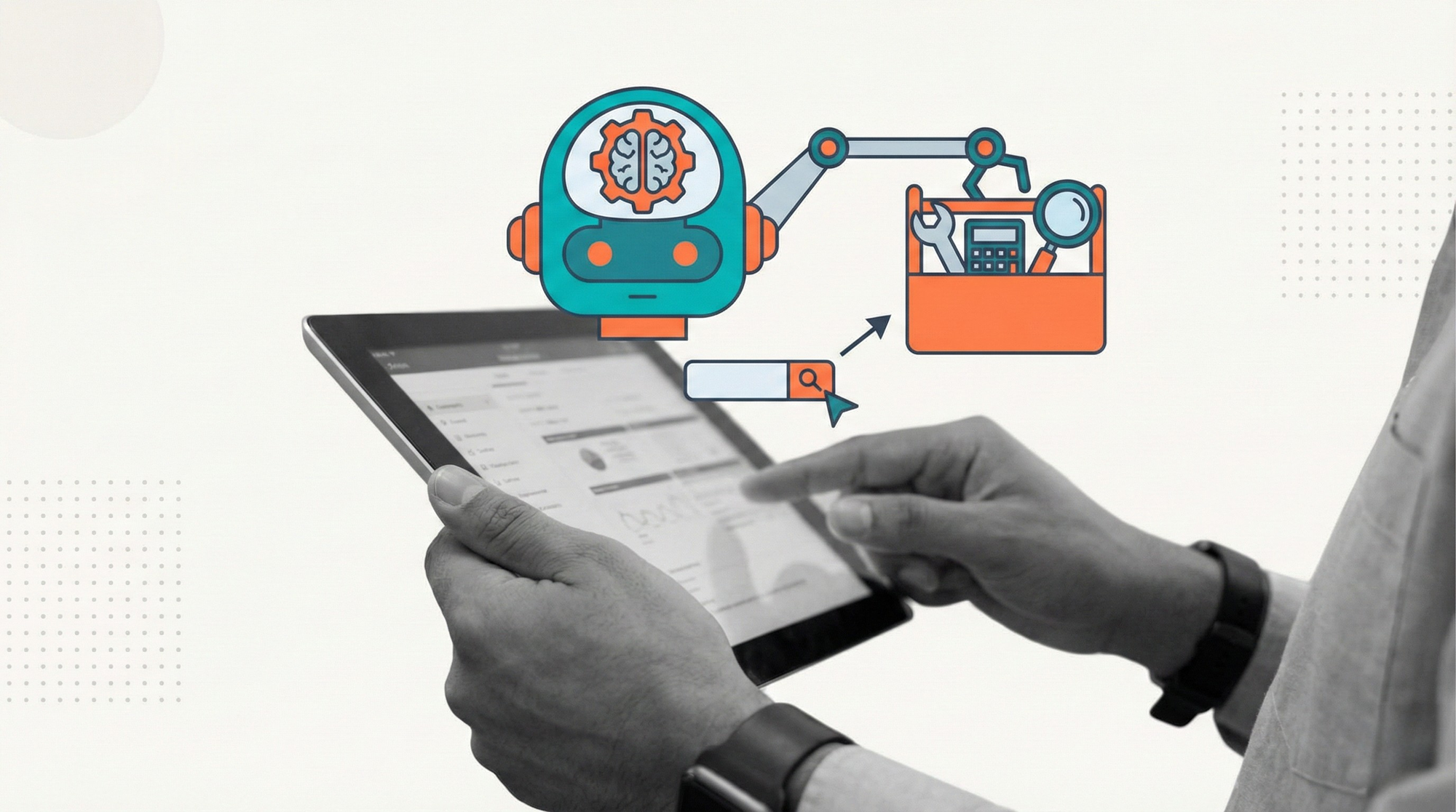
Tool calling refers to a controlled mechanism where an AI agent selects and invokes a predefined tool to accomplish a task.
A tool can be:
- An API call
- A database query
- An RPA action
- A workflow step
- A function that performs a specific operation
The agent does not invent new actions. It chooses from an allowed set.
The core idea is separation of concerns. The agent decides what to do. The tool defines how it is done.
Tool calling vs plain prompting
Prompting produces text. Tool calling produces actions.
With prompting, an agent might say, “You should update the record.” With tool calling, the agent actually invokes the update function.
This distinction is fundamental.
Prompt-only systems rely on humans or downstream systems to interpret outputs. Tool calling systems reduce ambiguity by converting intent into structured execution.
Most production agent systems move beyond prompts very quickly because text alone is not reliable enough.
Why tool calling matters in production
Production systems require determinism and control.
Free-form text is flexible, but it is also unpredictable. Tool calling constrains agent behavior to known interfaces with defined inputs and outputs.
This enables:
- Validation of inputs
- Clear error handling
- Auditing and logging
- Safer execution
Industry guidance on building reliable AI agents, including recommendations published by OpenAI, consistently emphasizes that agents should act only through controlled tools rather than raw instructions.
How tool calling works at a high level
At a high level, tool calling follows a simple loop.
First, the agent receives a goal and context.
Second, the agent reasons about what needs to be done.
Third, if an action is required, the agent selects a tool and provides structured parameters.
Fourth, the system executes the tool and returns the result.
Finally, the agent incorporates the result and decides what to do next.
This loop continues until the goal is achieved or the workflow stops it.
The important point is that execution is external to the model.
Common types of tools used by agents
In real systems, tools usually fall into a few categories.
Data tools fetch or query information from databases or APIs.
Action tools perform changes, such as creating records, sending messages, or triggering automations.
Computation tools perform calculations or transformations.
Workflow tools advance or control process state.
RPA tools interact with user interfaces when APIs are unavailable.
Each tool has explicit inputs, outputs, and permissions.
Tool calling vs plugins and integrations
Tool calling is a pattern, not a product feature.
Plugins, integrations, and connectors are implementations of tools. Tool calling is the logic that allows agents to use them.
An agent with many integrations but no constraints is still risky. An agent with few tools but strong boundaries is often more reliable.
What matters is not how many tools exist, but how intentionally they are exposed.
Common mistakes teams make with tool calling
Many failures come from overexposing tools.
If an agent can call too many actions without checks, it becomes unpredictable.
Another mistake is weak validation. Agents may pass malformed or unsafe parameters if tools do not enforce schemas.
Some teams embed tool calling directly into prompts without workflows. This makes behavior hard to debug.
Finally, many systems ignore failure handling. Tools fail. Networks time out. APIs change. Without retries and fallbacks, agents stall.
These are system design issues, not model limitations.
Tool calling and workflows
Tool calling is safest when embedded inside workflows.
Workflows define:
- When an agent is allowed to call tools
- Which tools are available at each step
- What happens after a tool succeeds or fails
- When to stop or escalate
The agent decides within boundaries. The workflow enforces boundaries.
This pattern mirrors well-established principles from distributed systems and process orchestration.
Tool calling and human-in-the-loop
Human oversight often sits around tool calling.
For high-risk actions, workflows may require human approval before a tool is invoked.
For low-confidence decisions, tool outputs may be reviewed before continuing.
This design prevents agents from acting irreversibly when uncertainty is high.
Human-in-the-loop is not a failure of tool calling. It is a guardrail.
Observability and auditing
Tool calling must be observable.
Teams should log:
- Which tool was called
- With what parameters
- What result was returned
- What decision followed
Without this visibility, debugging agent behavior becomes guesswork.
Observability is also essential for compliance and trust.
How automation-first platforms support tool calling
Tool calling becomes operationally complex as systems grow.
Automation-first platforms provide:
- Centralized tool definitions
- Permissioned access to actions
- Workflow-controlled execution
- Error handling and retries
- Monitoring and audit trails
In platforms like Robomotion, tools can include APIs, RPA actions, and workflow steps. Agents call tools, but the platform controls execution and state.
This keeps agent behavior powerful but predictable.
External perspective on tool calling
Tool calling reflects a broader trend in system design.
Intelligent components do not act directly on the world. They act through controlled interfaces.
This pattern appears in robotics, safety-critical systems, and distributed computing. Autonomy is always mediated by tools.
AI agents follow the same rule.
FAQs
What is tool calling in simple terms?
It is how an AI agent uses predefined functions or actions to do real work instead of just generating text.
Is tool calling the same as function calling?
Function calling is one form of tool calling. Tool calling is the broader concept.
Can agents call tools autonomously?
Yes, but only within the limits defined by workflows and permissions.
Why not let agents act directly?
Direct action is unsafe and hard to control. Tools provide structure and auditability.
Do all agents need tool calling?
No. Informational agents may not. Operational agents almost always do.
How does tool calling fail in production?
Through poor validation, missing error handling, or lack of orchestration.
Conclusion
Tool calling is what turns AI agents from conversational systems into operational components.
It allows agents to act, but only through defined, observable, and controllable interfaces.
The most successful agent systems do not give agents unlimited power. They give them carefully designed tools, clear boundaries, and strong orchestration.
In production, tool calling is not an optional feature. It is the mechanism that makes agentic automation possible without chaos.