What Is a Trigger in Automation?
Anil Yarimca
TL;DR
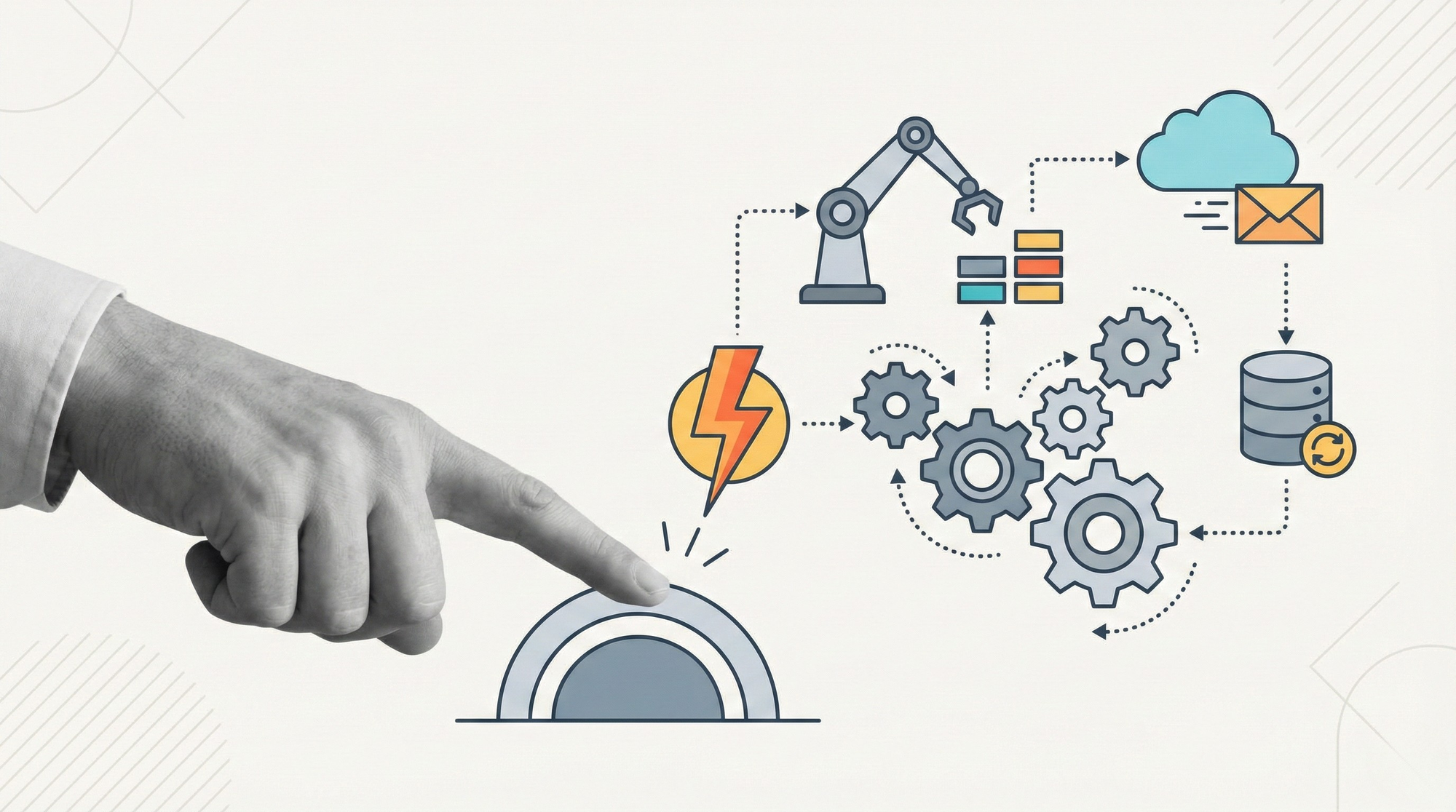
A trigger is the mechanism that starts an automation when a specific event or condition occurs. Triggers decouple automation logic from manual execution and allow systems to react automatically to changes in data, time, or system state. Most production automation failures trace back to poorly designed or misunderstood triggers.
Most automation discussions focus on what the automation does. Far fewer focus on how it starts.
In early automation projects, execution is often manual. Someone clicks a button, runs a script, or schedules a bot. This works during testing, but it does not scale. Real systems need to respond automatically to events as they happen.
That is the role of a trigger.
Triggers are foundational to reliable automation, whether you are working with RPA, workflow automation, or AI agents. They determine when a process begins, how often it runs, and under what conditions it should act. Poor trigger design leads to missed executions, duplicate runs, or unpredictable behavior.
What a trigger means in automation terms
In automation, a trigger defines the starting condition for a workflow.
That condition can be time-based, event-based, or state-based. When the condition is met, the automation engine starts the workflow and passes initial context into it.
Triggers are not logic. They do not decide what happens inside the workflow. They decide when the workflow starts.
This distinction matters because mixing trigger logic with business logic often creates fragile systems.
Common types of automation triggers
Time-based triggers
Time-based triggers start workflows on a schedule.
Examples include running a process every night, every hour, or on a specific date. These triggers are simple and predictable, which makes them popular for reporting, batch processing, and reconciliation tasks.
Their main limitation is responsiveness. They do not react to events immediately. They react when the schedule allows.
Event-based triggers
Event-based triggers start workflows when something happens in a system.
Examples include a new file appearing in a folder, a new record being created, a webhook being received, or a message arriving in a queue.
These triggers are more responsive and efficient than schedules because they react to actual changes rather than polling.
Modern automation systems increasingly favor event-based triggers because they align better with real-time operations.
State-based triggers
State-based triggers start workflows when a condition becomes true.
For example, when a queue reaches a certain size, when a record changes status, or when a system enters an error state.
These triggers require careful design. Poorly defined state conditions can cause workflows to start repeatedly or not at all.
Why triggers matter in production automation
Triggers define the boundary between the outside world and your automation system.
In production, inputs are messy. Systems fail. Events arrive out of order. Triggers must handle these realities.
Well-designed triggers:
- Prevent duplicate executions
- Avoid missed events
- Provide clear context for downstream steps
Poorly designed triggers create operational noise. Workflows start too often, not often enough, or without the data they need.
This is why trigger design is a reliability concern, not just a configuration detail.
Triggers vs manual execution
Manual execution puts humans in the critical path.
It introduces delay, inconsistency, and dependency on availability. It also makes it hard to reason about system behavior over time.
Triggers remove humans from the starting point. Humans still matter for oversight and exception handling, but they are not responsible for starting every run.
This shift is essential when automation becomes part of daily operations rather than a helper tool.
Common mistakes teams make with triggers
One common mistake is overusing schedules. Teams poll systems every few minutes instead of reacting to events. This increases load and delays responses.
Another mistake is embedding business logic in triggers. Triggers should answer when to start, not whether the outcome is acceptable.
Duplicate triggers are also a frequent issue. Multiple triggers start the same workflow without coordination, leading to race conditions.
Finally, teams often ignore trigger failure modes. If a trigger fails or misses an event, there must be a recovery strategy.
Industry guidance on event-driven architectures, including documentation from AWS on event-based systems, emphasizes that triggers must be idempotent and observable to scale reliably.
Triggers and idempotency
Idempotency means that starting the same workflow twice does not cause harm.
Triggers should be designed with idempotency in mind. Events can be duplicated. Schedules can overlap. Systems can retry.
If workflows cannot handle repeated starts safely, production incidents are inevitable.
This concept is well established in distributed systems and applies directly to automation triggers.
Triggers in RPA vs workflow automation
In classic RPA, triggers are often limited. Bots are scheduled or manually started.
Workflow automation platforms expand this model. Triggers can come from APIs, queues, webhooks, file systems, and internal state changes.
This shift turns automation from task execution into system orchestration.
Platforms that support multiple trigger types allow teams to choose the right starting mechanism per process instead of forcing a single pattern.
Triggers in AI-driven automation
As AI agents become part of workflows, triggers become even more important.
Agents should not run continuously without control. Triggers define when an agent is allowed to act and with what context.
For example, an AI agent may be triggered by a new queue item, a customer request, or a validation failure. The trigger ensures the agent operates within a defined scope.
Recent engineering discussions around AI agents, including OpenAI’s guidance on building reliable agents, highlight that controlled activation is essential for safety and predictability.
External perspective on triggers and event-driven systems
Automation triggers are a specific application of a broader concept. Event-driven systems.
Decades of system design literature show that reacting to events scales better than constant polling. This is why triggers exist across technologies, from message queues to serverless computing.
Understanding triggers as part of this larger pattern helps teams design automations that align with proven system architecture principles.
FAQs
What is a trigger in automation in simple terms?
A trigger is what starts an automation automatically when a specific event, condition, or time occurs.
Are triggers the same as schedules?
No. Schedules are one type of trigger. Triggers also include events and state changes.
Can one automation have multiple triggers?
Yes. Many workflows start from different events but follow the same execution logic.
What happens if a trigger fires twice?
Well-designed workflows handle this safely through idempotency and state checks.
Why do triggers cause production issues?
Because they are often poorly defined, duplicated, or not observable, leading to missed or repeated executions.
Are triggers part of RPA only?
No. Triggers exist in RPA, workflow automation, event-driven systems, and AI agent orchestration.
Conclusion
Triggers are the entry point to automation. They decide when systems act and when they stay idle.
Teams that treat triggers as an afterthought often struggle with reliability. Teams that design triggers intentionally build automations that are predictable, scalable, and resilient.
If workflows are the backbone of automation, triggers are the nervous system. They determine how the system responds to the world around it.