On-Device Automation Explained. When Cloud Is the Wrong Choice?
Anil Yarimca
TL;DR
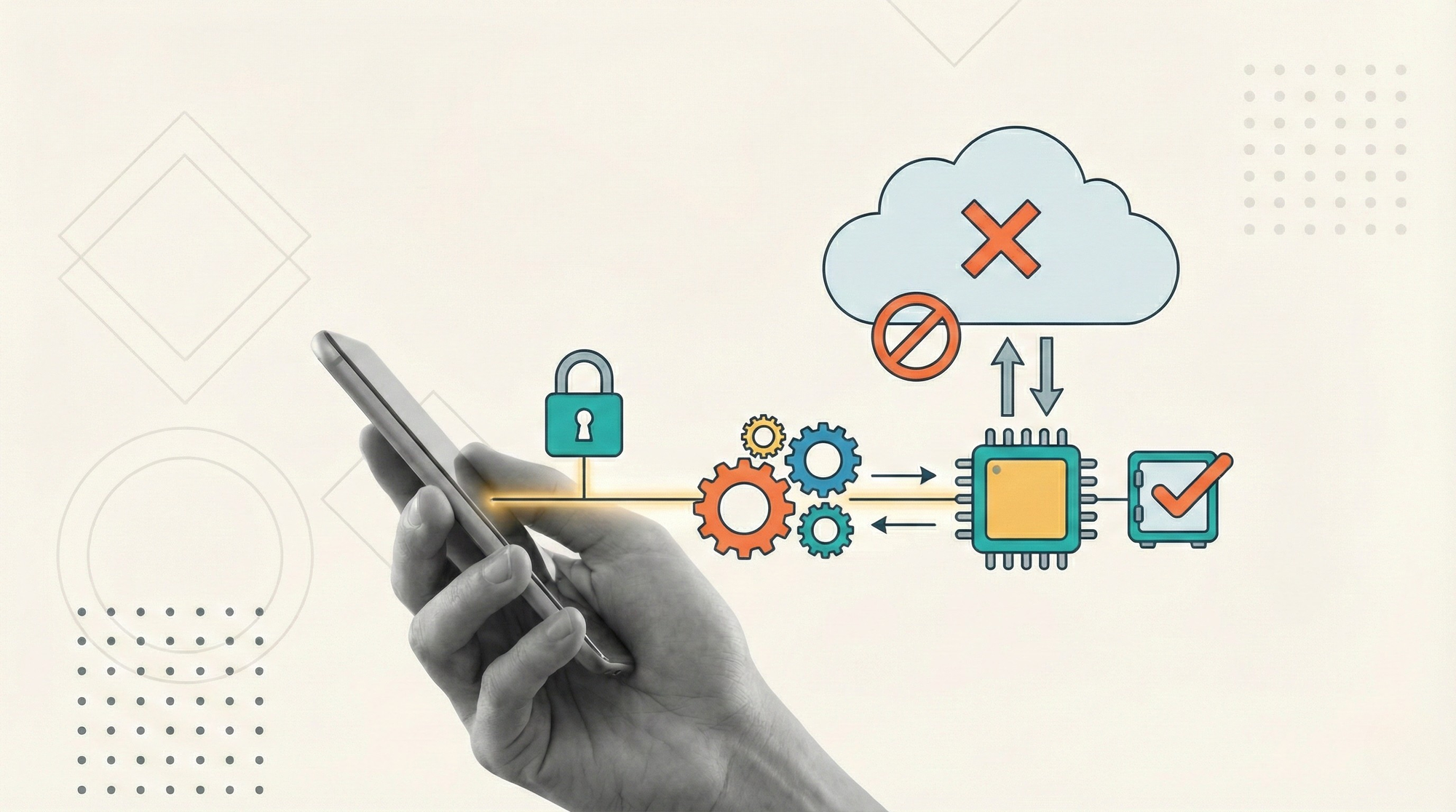
On-device automation runs workflows directly on local machines instead of centralized cloud infrastructure. It matters when latency, data sensitivity, offline reliability, or UI-level control outweigh the benefits of cloud scale. In 2026, the right automation architecture is not cloud-first or local-first, but context-aware.
What on-device automation actually means
On-device automation means that automation logic, execution, and often state live on the machine where the work happens. This can be a desktop, a virtual machine, an on-prem server, or a controlled edge environment.
Instead of sending tasks to the cloud to be executed remotely, the automation runs close to the system it interacts with.
This pattern is common in:
- UI automation and RPA
- Security-sensitive environments
- Offline or unstable network conditions
- Latency-critical workflows
- Regulated or air-gapped systems
On-device does not mean “no coordination.” It means execution is local, while orchestration and monitoring may still be centralized.
Why cloud-first automation is not always the right answer
Cloud automation is powerful. It scales easily, centralizes control, and simplifies deployment.
But cloud-first becomes a liability in specific scenarios.
The assumption that “everything should run in the cloud” breaks down when the cloud introduces friction instead of removing it.
The key question is not where automation runs, but what it needs to interact with.
When cloud automation fails in practice
1) UI-bound systems with no reliable APIs
Many enterprise systems still rely on desktop applications, legacy web interfaces, or virtual desktops.
If the automation needs to:
- Click buttons
- Read screen state
- Handle modal dialogs
- Interact with thick clients
then cloud execution becomes complex or impossible without fragile workarounds.
On-device automation runs in the same environment as the UI, which dramatically improves reliability.
2) Strict data residency and security constraints
In regulated industries, data cannot always leave the device or network boundary.
Sending screenshots, documents, or session data to the cloud can violate:
- Compliance requirements
- Internal security policies
- Customer contracts
On-device automation keeps sensitive data local, reducing risk surface and simplifying audits.
This is one of the main reasons on-prem and hybrid automation models persist despite cloud adoption.
3) Latency-sensitive workflows
Some workflows require immediate feedback.
Examples include:
- Real-time validation
- Human-in-the-loop steps where responsiveness matters
- Interactive automation triggered by user actions
Round-tripping to the cloud adds latency and failure points.
Local execution responds instantly because it eliminates network dependency.
4) Offline or unstable connectivity
Not all environments have reliable connectivity.
Factories, retail locations, field operations, and remote offices often operate with intermittent networks.
On-device automation can continue working offline and sync results later.
Cloud-only automation simply stops.
5) Cost predictability at scale
At high volume, cloud execution costs can become unpredictable.
Inference, orchestration, logging, and retries all add up.
On-device automation shifts some of that cost to fixed infrastructure that teams already own, which can be easier to budget and justify.
What on-device automation is not
On-device automation is not a return to unmanaged scripts running on random machines.
Modern on-device automation still requires:
- Centralized orchestration
- Version control
- Monitoring and logging
- Security policies
- Update and rollback mechanisms
Without these, on-device automation becomes fragile and unmaintainable.
The difference is execution locality, not lack of control.
On-device automation vs cloud automation
This is not a binary choice. It is an architectural decision.
Cloud automation excels when:
- Work is API-driven
- Scale and elasticity matter
- Data can move freely
- Centralized execution is acceptable
On-device automation excels when:
- UI interaction is required
- Data must stay local
- Latency matters
- Connectivity is unreliable
- Execution environment matters
Most real systems end up hybrid.
The hybrid model is the default in production
In mature automation setups, orchestration often lives centrally while execution happens where it makes sense.
A common pattern looks like this:
- Central workflow orchestration defines process logic
- Triggers and queues distribute work
- On-device workers pick up tasks
- Results and logs are sent back to the control plane
This gives teams the best of both worlds:
- Control and observability from the cloud
- Reliability and proximity from local execution
This hybrid approach mirrors patterns in distributed systems and edge computing.
On-device automation and AI
AI changes the conversation, but it does not eliminate the need for on-device execution.
Some AI steps benefit from cloud models. Others should stay local.
On-device AI or local inference may be preferred when:
- Input data is sensitive
- Latency is critical
- Network usage must be minimized
- Models are small and specialized
Even when AI reasoning happens in the cloud, execution often still belongs on-device.
Agents may decide centrally. Actions still happen locally.
Operational risks of on-device automation
On-device automation introduces its own challenges.
Deployment and updates
You need a reliable way to deploy updates and roll back failures across many devices.
Monitoring gaps
Local execution must still report health, failures, and performance centrally.
Environment drift
Different machines behave differently. OS updates, screen resolutions, and installed software matter.
Security hygiene
Local credentials, secrets, and access must be managed carefully.
These risks are real, but they are solvable with proper orchestration and tooling.
How to decide if on-device automation is the right choice
A simple decision framework helps.
Ask:
- Does the automation interact with a UI or local application?
- Can all required data safely move to the cloud?
- What happens if connectivity drops?
- How sensitive is latency?
- Who owns the execution environment?
If two or more answers point toward locality, on-device automation is likely the correct architectural choice.
Example scenario
Consider invoice processing in a finance department.
Invoices arrive by email. Details are extracted using AI. Data must be entered into a legacy accounting system that runs on a desktop app with no API.
A cloud-only approach struggles because:
- The UI cannot be accessed remotely
- Screenshots cannot leave the network
- Latency impacts user review
A hybrid approach works:
- Cloud orchestration manages queues and approvals
- AI extraction runs in a controlled environment
- On-device automation enters data into the desktop app
- Results are synced back for audit and monitoring
The outcome is higher reliability with lower security risk.
FAQs
What is on-device automation in simple terms?
It is automation that runs directly on a local machine instead of in the cloud.
Is on-device automation the same as on-prem automation?
They overlap, but on-device focuses on where execution happens. On-prem refers more broadly to infrastructure ownership.
Does on-device automation scale?
Yes, when combined with centralized orchestration, queues, and monitoring.
Is cloud automation always better for AI?
No. AI decisioning may run in the cloud, but execution often belongs closer to the system being automated.
When should cloud be avoided?
When UI interaction, data sensitivity, latency, or offline reliability are critical.
Is on-device automation outdated?
No. It remains essential for many real-world enterprise workflows.
Conclusion
On-device automation exists because reality is messy.
Not all systems have APIs. Not all data can move freely. Not all networks are reliable.
In 2026, the most resilient automation architectures will be hybrid by default. Cloud orchestration where it adds leverage. On-device execution where it adds reliability.
The mistake is not choosing on-device automation. The mistake is assuming cloud is always the right answer.