How Small Businesses Use AI Agents for Daily Operations
Anil Yarimca
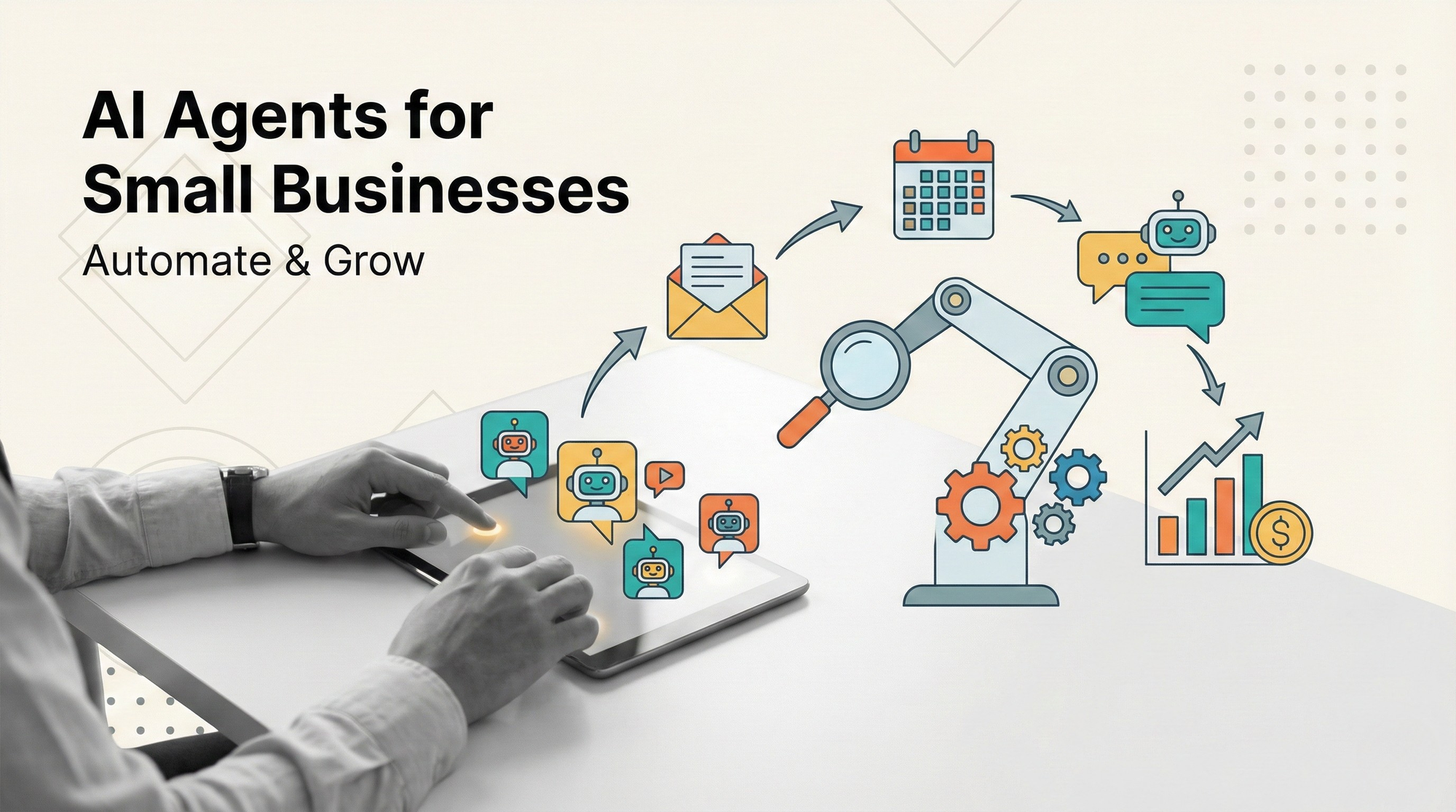
TL;DR
Small businesses can use AI agents to handle repetitive coordination work like triaging requests, drafting replies, updating systems, and generating weekly reports. The safest wins come from agentic workflows that keep humans in control for approvals and high-risk actions. Start with one workflow that saves time every day, then expand step by step.
Why AI agents matter for small business operations
Small businesses do not lose time on big strategic debates. They lose time on hundreds of small operational tasks that never end.
Chasing invoices, replying to prospects, updating CRM records, preparing quotes, summarizing customer tickets, creating weekly reports, and reconciling spreadsheets are all necessary. They also consume the exact hours that small teams need for growth.
AI agents help because they can take on coordination work, not just content generation. Instead of only writing drafts, agents can route requests, fetch information, and trigger workflows when connected to tools.
The key is using agents in a controlled way. Small businesses benefit most when agents are embedded inside workflows with clear approval steps and monitoring.
What AI agents can do in daily operations
AI agents are most useful when work has three properties:
- Requests repeat in similar formats
- The “next step” is predictable most of the time
- The business can define boundaries and approvals
In practice, agents do not replace your team. They remove busywork so your team can spend time on real decisions.
Sales and revenue operations
Sales operations are full of repetitive follow-ups and data hygiene. AI agents can improve speed without changing your sales strategy.
Lead triage and routing
An agent can read inbound web form submissions or emails, classify intent, and route to the right owner. It can add tags such as “pricing,” “demo request,” or “partnership,” then create tasks in your CRM.
Low risk guardrail: the agent proposes routing, a human approves new lead owners until you trust it.
Drafting replies and follow-ups
Agents can generate first-draft replies using your product FAQs, pricing rules, and tone guidelines. They can also produce follow-up sequences based on deal stage.
Low risk guardrail: keep sending as a human approval step. Treat the draft as a suggestion, not an auto-send.
CRM updates and meeting summaries
After calls, an agent can summarize notes, extract action items, and update fields like next steps, objections, timeline, and probability. This reduces the “CRM debt” that kills forecasting.
Low risk guardrail: restrict the agent to adding notes, not changing close dates or deal amounts.
Quote and proposal support
If your quoting rules are simple, an agent can generate a quote draft or proposal outline using a template, then hand off for review.
Low risk guardrail: humans approve all pricing, discounting, and legal language.
Customer support and service operations
Support is a strong early area because much of the work is triage and drafting. The goal is faster first response and better consistency.
Ticket triage and categorization
An agent can categorize tickets by topic and severity, suggest a priority, and route to the right queue. It can also detect patterns, like repeated bugs or billing confusion.
Low risk guardrail: start with suggestion mode. Escalate high-severity tickets to humans automatically.
Suggested answers from your knowledge base
An agent can propose responses using your docs, internal notes, and previous tickets. It can also ask clarifying questions when a request lacks key details.
Low risk guardrail: require human approval for anything that affects billing, refunds, or account access.
Refund and exception workflows
Agents can gather context, check policy rules, and prepare a decision packet, then route to a human for approval.
Low risk guardrail: agents never execute refunds. They prepare and route.
Finance and back office
Finance is where risk is highest, so you want agentic workflows with strict approvals.
Invoice reminders and collections support
An agent can track due dates, draft reminder emails based on status, and prepare weekly AR summaries.
Low risk guardrail: humans approve the first set of templates, then allow auto-send for low-risk segments.
Expense categorization and reconciliation prep
Agents can categorize expenses from receipts and bank exports, flag missing receipts, and prepare a reconciliation checklist.
Low risk guardrail: humans approve final categorization rules and month-end close entries.
Vendor and subscription management
Agents can detect duplicate subscriptions, price increases, or renewals based on invoices and emails, then alert owners with recommended actions.
Low risk guardrail: no auto-cancellations. Only alerts and drafts.
Internal operations and reporting
This is where many small teams get immediate time back.
Weekly reporting and KPI snapshots
Agents can pull data from spreadsheets, CRM, and support tools, then generate a weekly memo. They can highlight anomalies, trends, and open risks.
Low risk guardrail: require a human check for numbers until your data sources are stable.
SOP and checklist generation
Agents can turn repeated internal questions into SOP drafts, onboarding docs, and checklists.
Low risk guardrail: keep final edits human-owned to match how your team actually works.
Hiring and recruiting coordination
Agents can draft outreach messages, summarize candidate notes, and schedule follow-up tasks.
Low risk guardrail: never let agents make hiring decisions. Use them for coordination and summaries.
What changes when you move from chat to workflows
Many small businesses start with a chat assistant. That can help with writing and brainstorming, but it does not reduce operational load unless it connects to actions.
Workflow-based agents change three things:
- They can run repeatedly, not just respond once
- They can call tools, not just generate text
- They can be monitored and improved over time
This shift is important because most real savings come from repeatable workflows, not one-off chats.
Common mistakes to avoid
Small teams can move quickly, which is good, but it also creates avoidable risks.
Mistake 1: letting an agent take irreversible actions too early
Start with drafts, suggestions, and routing. Add approvals for money movement, customer access, and compliance-sensitive actions.
Mistake 2: feeding the agent too much context
More context is not always better. Use only the information needed for the current step.
Mistake 3: no ownership
If no one owns the workflow, it will decay. Pick one owner per workflow.
Mistake 4: no monitoring
If you cannot see failures, you will discover them through customer complaints. Track success rate, time saved, and exception rate.
Mistake 5: trying to automate the whole business at once
One stable workflow beats ten half-finished experiments.
A practical playbook for SMEs
Here is a simple implementation path that works for most small businesses.
Step 1. Pick one daily workflow
Choose something that happens every day, like inbound lead triage or support ticket categorization.
Step 2. Define boundaries
Write down what the agent can do and cannot do. Define what always needs human approval.
Step 3. Connect tools safely
Connect only the tools needed for that workflow. Avoid giving the agent broad permissions.
Step 4. Start in suggestion mode
For the first two weeks, require human approval for all outputs. Track the override rate.
Step 5. Add automation gradually
Once outcomes are consistent, automate low-risk steps first. Keep high-risk approvals in place.
Step 6. Add monitoring and weekly review
Review exceptions weekly. Update rules, templates, and context sources.
Example workflow for a small business
Scenario: inbound leads from email and website.
Before
A founder checks inbox, responds when possible, forgets to log data in the CRM, and loses deals due to slow response.
After, using an AI agent inside a workflow
- Trigger: new inbound lead arrives.
- Agent classifies intent and extracts key fields.
- Agent drafts a reply using approved templates and product FAQs.
- Human approves and sends, then the workflow logs the lead in the CRM.
- If no response after 48 hours, the workflow schedules a follow-up draft.
Measurable signals
Faster first response time, higher lead capture rate in CRM, fewer missed follow-ups, and less founder context switching.
FAQs
How can small businesses use AI agents without high risk?
Use agentic workflows with approvals. Start with drafting, triage, and reporting. Keep humans in the loop for money, access, and customer-impacting actions.
What are the best first AI agent use cases for a small business?
Inbound lead triage, support ticket categorization, drafting replies, weekly reporting, and CRM update automation are strong starting points.
Do small businesses need developers to use AI agents?
Not always. Many workflows can be built with no-code or low-code tools, but you still need clear boundaries, ownership, and monitoring.
Can AI agents replace employees in daily operations?
They usually replace repetitive coordination work, not accountability. The best use is to free your team from busywork so they can focus on decisions and customer relationships.
How do you measure ROI from AI agents?
Track hours saved, cycle time improvements, reduced backlog, and error rates. Also track the human override rate to see if quality is improving.
What tools do AI agents need to be useful?
At minimum, read access to relevant data sources and the ability to create drafts or tasks. Over time, add permissioned tool actions like CRM updates, ticket routing, and invoice reminders.
Conclusion
Small businesses can use AI agents to reduce daily operational load by automating coordination tasks across sales, support, finance, and reporting. The safest path is workflow-first: define boundaries, connect tools carefully, and keep approvals for high-risk actions. AI agents create the most value when they are not treated as chat toys, but as controlled operators inside repeatable workflows.