Write your book in your own voice
A chapter with its plan, its text and the notes in the margin.
Start from one idea, shape the whole book, draft chapters that remember everything before them, then edit, finish and export it, on your own robot and your own key.
Install this app- Opens as its own app, in your browser
- Clone it and change it in the Flow Designer
- Remove it any time from My Agents
Most AI book tools hand you pages that sound like nobody, forget what chapter three said by chapter nine, and invent people to thank in the acknowledgments. You end up rewriting more than you saved.
Inkwell keeps the book's memory. It learns your voice as rules you can read and change, keeps a bible of every person, place and fact the book has established, and checks each chapter against it. Drafts are written section by section to the length you asked for, and nothing it writes replaces your words until you take it.
It runs on your own robot and your own OpenRouter key, so you pay the model's price and nothing else: no credits, no plans, no seat fee.
Three screens: your books, one book (its brief, voice, bible, blueprint, chapters, editing, front and back matter, cover, launch kit, audiobook, translation and export), and settings.
In short
- Draft chapters that remember the whole book, in your voice, to the length you asked for.
- Edit, finish and export it with an editorial letter, line edits, honest front matter and a launch kit.
At a glance
- Non-fiction authors
- Novelists
- Self-publishers
- OpenRouter
- Writing alone in a word processor
- Chat assistants that forget the book
- Type:
- App
- Version:
- 1.2.0
- Updated:
- Oct 9, 2026
Start from one idea, shape the whole book, draft chapters that remember everything before them, and finish it ready to publish
From one idea to a whole book
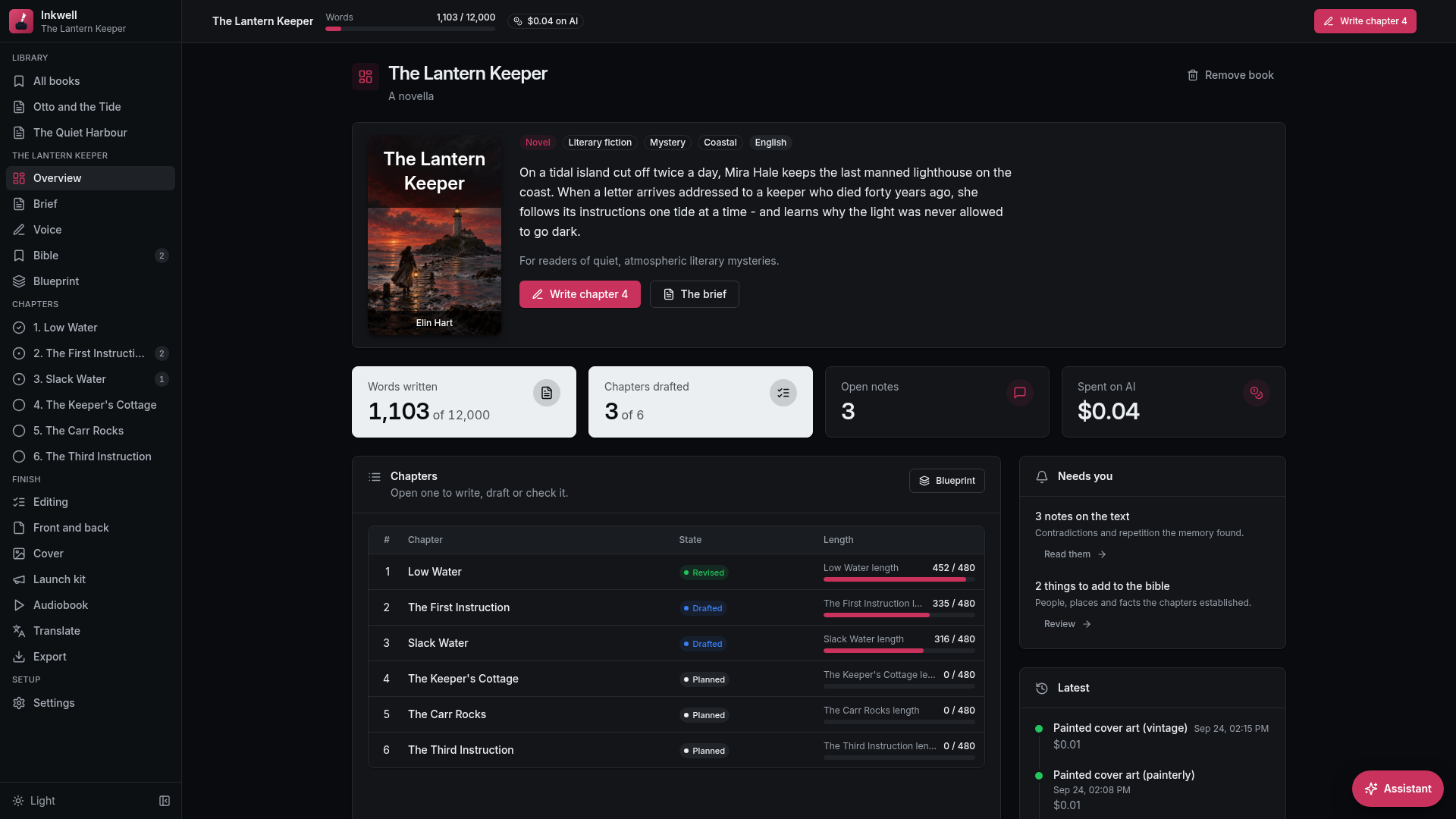
- Starts from a sentence: say what the book is about and Inkwell writes its brief - title, premise, reader, length - for you to change
- Proposes three shapes for the whole book, chapter by chapter with beats and target lengths, so you compare before you commit
- Drafts section by section from each chapter's beats and lands close to the length you set, with a progress line as it writes
A book that never forgets itself
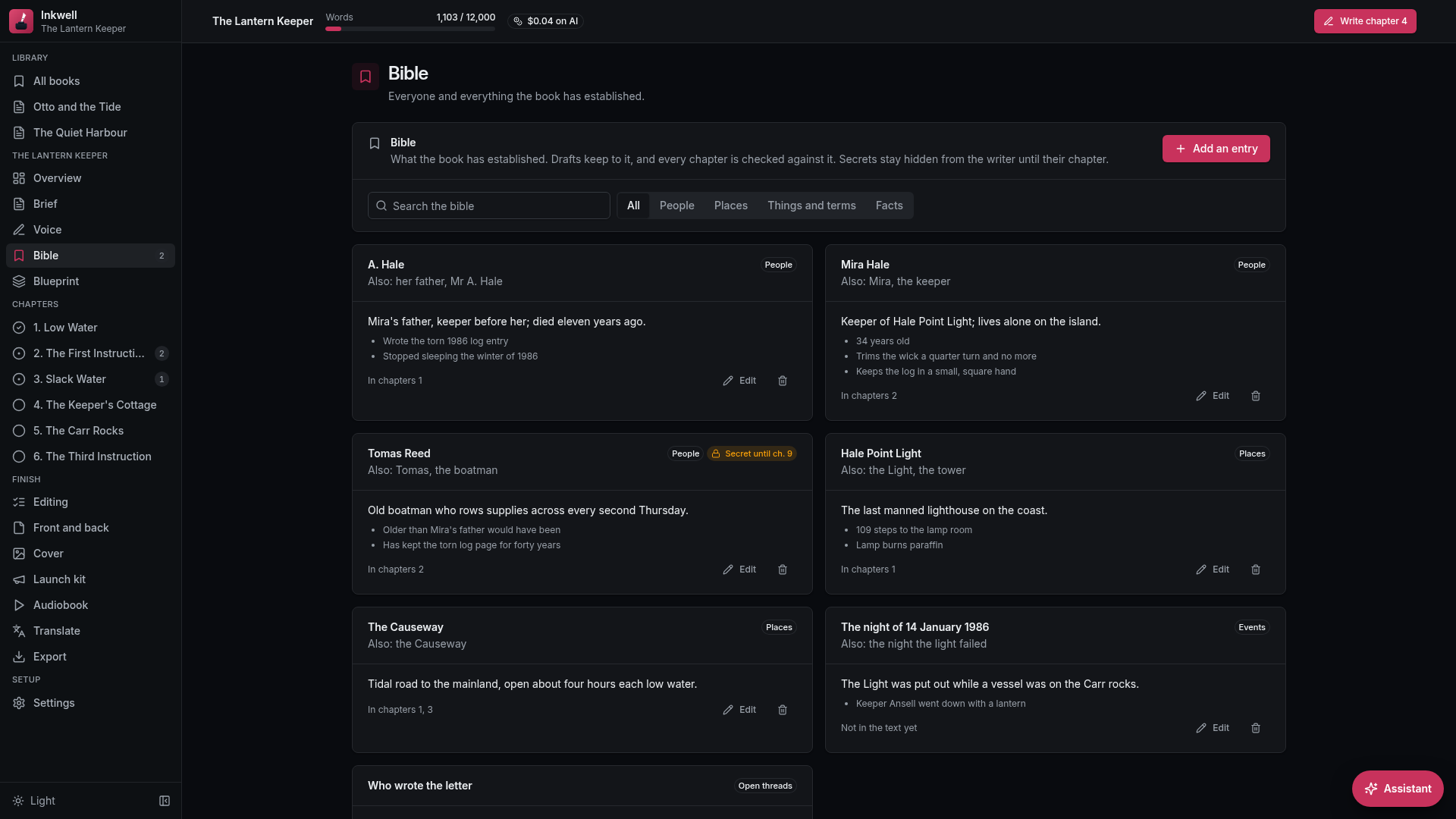
- Keeps a bible of every person, place, thing and fact, and proposes what each new chapter adds for you to keep or leave
- Checks every chapter against it and notes contradictions and repetition beside the exact words
- Keeps secrets: a twist you mark for chapter twelve is hidden from the writer until chapter twelve
Your voice, and your words first
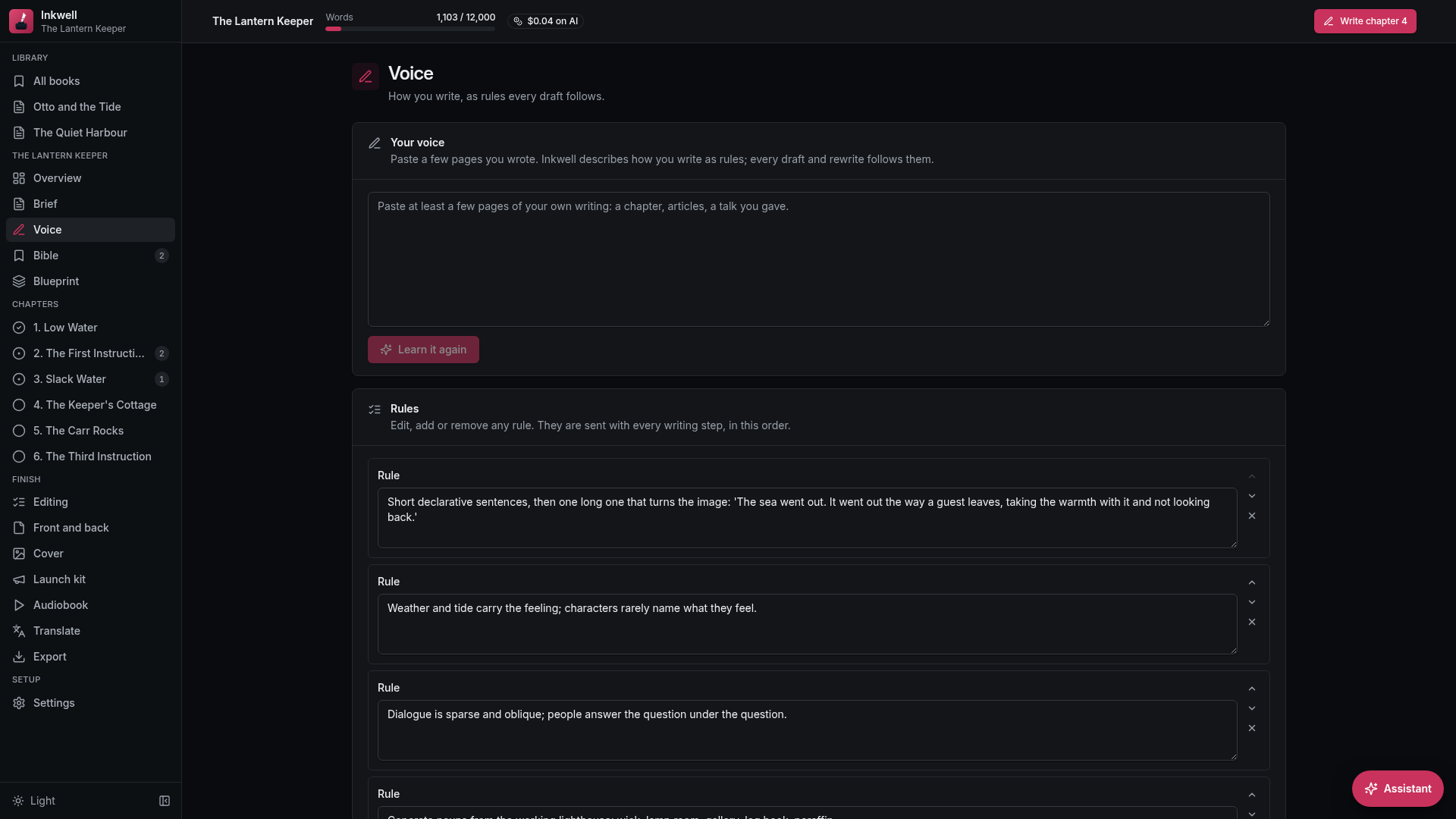
- Learns your voice from a few pages you wrote, as rules you can read, edit and reorder
- Rewrites any passage tighter, clearer, more vivid or more like you, beside the original until you take it
- Keeps every version: each draft and each edit keeps the text it replaced, one click from coming back
Finished, honest, and yours
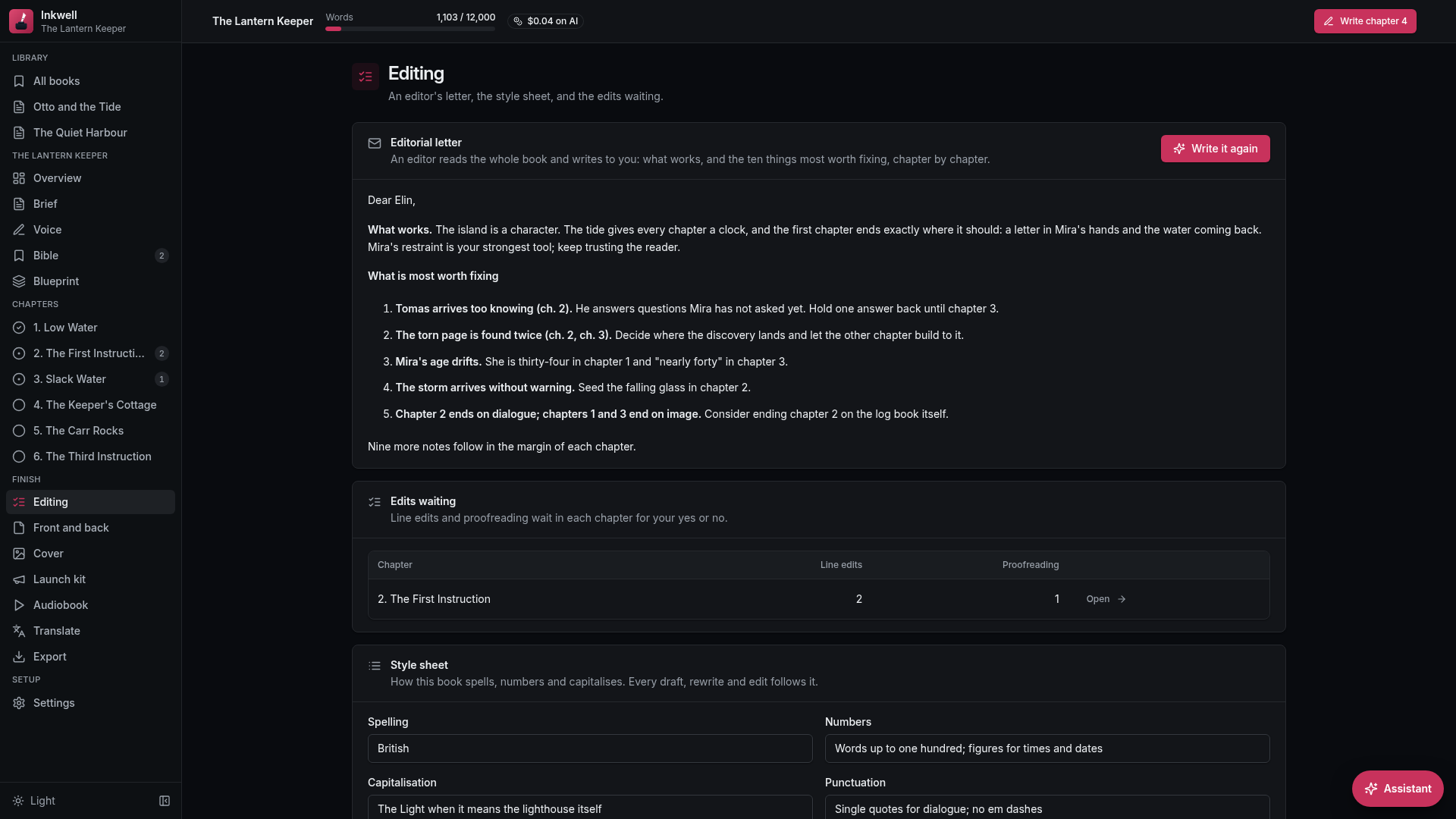
- Edits like an editor: a letter on the whole book, a style sheet every draft follows, line edits and proofreading
- Never invents you: your bio and acknowledgments come only from facts and names you gave; anything missing is flagged before export
- Runs on your robot and your key: your books never leave your machine, and every step shows what it cost
Questions
What do I need to run it?
An OpenRouter API key with a little credit on it. Inkwell writes with it; the setup asks for it once. It starts on an inexpensive model, and you can pick any model OpenRouter offers in Settings.
What does a book cost?
What the model charges, nothing more. Every step shows its cost, and the book keeps a running total by kind of work.
Will it sound like me?
Paste a few pages you wrote and Inkwell turns them into rules, such as your sentence rhythm, your word choice and what you never do, each with an example from your pages. Every draft and rewrite follows them, and you can read, change or remove any rule. How close it gets also depends on the writing model you choose.
Does it make things up about me?
No. Your bio, dedication and acknowledgments are written only from the facts and names you gave. Anything missing stays as a placeholder the export checklist catches.
Where do my books live?
On your robot, in one database file, with the cover art and audio in a folder beside it. Settings backs both up as a zip file there and restores from one. Export the whole book as a file whenever you want.
Can I change it?
Yes. Clone it and it becomes your own app in the Designer, the robot's steps and the screens included.
Reviews
Resources
Join our Discord Community
Connect with 5,000+ members. Get help, share experiences, and collaborate on automations.